GTA 6 lands on 19 November: what your TV actually needs, when Rockstar still hasn't said how it runs
Pre-load for Grand Theft Auto VI opens on 10 November and the game launches on 19 November on PS5 and Xbox Series X|S, according to Rockstar's own page. That lands right in the middle of the early Black Friday TV sales. Before you spend anything, look at how little has actually been said about how the game runs.
What's confirmed, and what's only reported
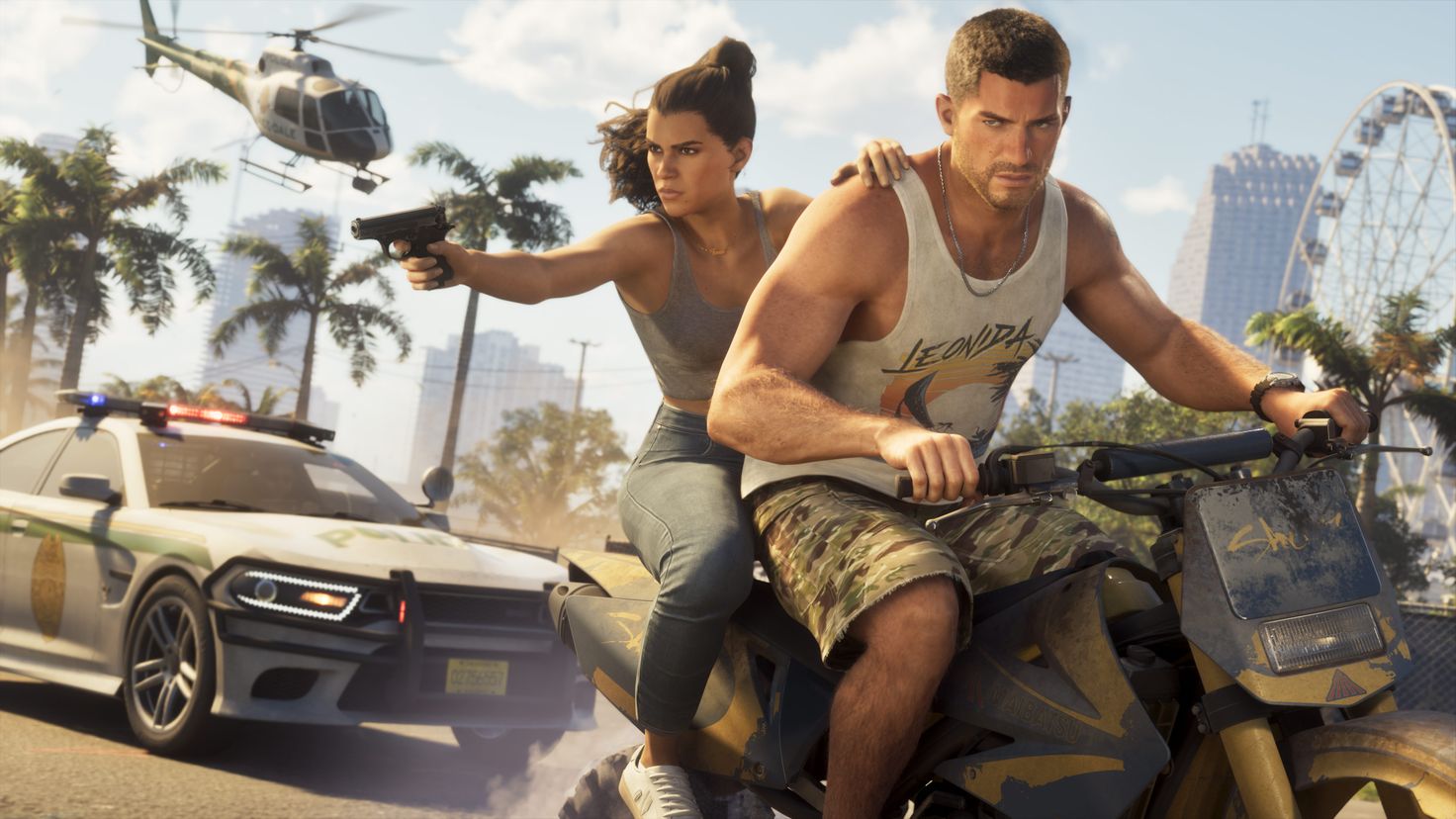
Rockstar's page gives the date, the platforms and a line saying it "plays best on" PS5. Sony's GTA VI features page adds a "PS5 Pro Enhanced" badge, DualSense haptics and adaptive triggers, Tempest 3D Audio and SSD loading, with the Standard Edition at £69.99. Neither page mentions frame rate, resolution or HDR. As of 9 November, neither Rockstar nor Sony has announced performance modes for any console, and Sony hasn't said what the Pro badge actually does in this game.
The 30fps figure everyone is quoting comes from one place. YouTuber Davy Jones reports that Rob Nelson, co-director at Rockstar North, told him the consoles are running the game at 30 frames per second "during this development period". By Jones's account, Nelson said he'd need to check with the technical team before saying whether there'd be a 60fps option at launch, so 60fps hasn't been ruled out (VGChartz, working from a machine translation). That's a reported conversation, not an announcement, and Rockstar hasn't published a frame rate anywhere.
Digital Foundry's look at the Extended Look footage, captured on a base PS5, is analysis rather than a spec, but it points the same way. DF says the internal resolution looks like 1440p without dynamic scaling, upscaled to 4K, running at a "relatively stable and well-paced 30FPS". It thinks 60fps is "extremely unlikely on console hardware", because there's no way to free up enough GPU and especially CPU time without cutting back the world (Pure Xbox).
So what people are hoping for is a 40fps mode. Nobody has reported one. It matters for TV buyers, though, because 40 divides evenly into 120 but not into 60. If it arrives, you'd need a 120Hz screen to use it.
If you've got a 60Hz TV
At 30fps, a 60Hz TV isn't holding you back. Three things will make a visible difference on the set you already own, and none of them costs anything.
If your TV has HGiG, use it, then run the console's HDR calibration so the game knows where your screen's limits are. On an LG it lives under Settings > General > Game Optimiser > Screen > Tone Mapping Compensation. LG says it hands brightness control to the game's own HDR calibration, and warns that it can look darker than leaving the TV's tone mapping on. Our HDR explainer covers the background.
A 30fps game already feels slower to respond than a 60fps one, so don't add TV processing on top. Use game mode, and if your TV supports ALLM, let the console switch it on automatically.
OLED owners have one more thing to deal with. Game Revolution, citing RTINGS testing, reports noticeable stutter in slow pans on the LG C6, because the pixels change almost instantly and each 30fps frame is held crisply until the next arrives. LCDs smear the gap a little, which hides it. There are two fixes. If the game offers a motion blur setting, leave it on, which Game Revolution argues helps connect motion between frames. Or try motion interpolation, which smooths things out but adds lag and artefacts, and may not be available in the lowest-latency mode. Sony's page describes GTA VI as a single-player game, so the extra lag matters less than it would in an online shooter.
If you're choosing a TV now
For this game, buy for HDR handling with HGiG, a low-lag game mode and ALLM, plus 4K 120Hz on at least one HDMI 2.1 port. Treat that last one as insurance in case a 40fps or 60fps mode turns up. One port is all a single console needs. Four HDMI 2.1 ports only pay off if you've got several 4K 120Hz boxes, and 144Hz or 165Hz does nothing for a console, because the PS5 and Series X stop at 120Hz.
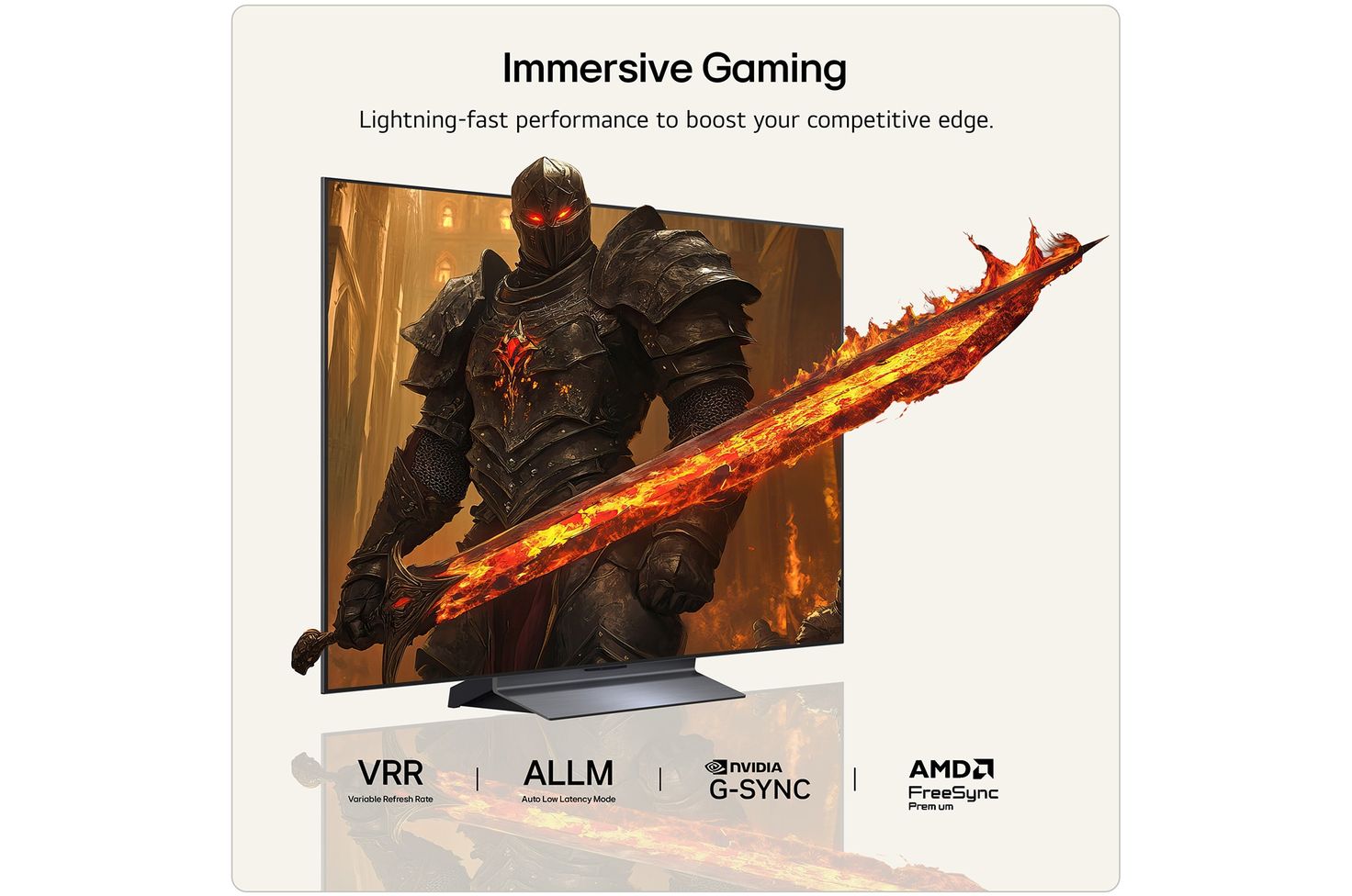
The LG C6 has everything on that list. LG's UK spec sheet for the 55-inch C6 lists HGiG mode and ALLM, and four HDMI inputs that support 4K 120Hz, VRR and ALLM. TFTCentral lists four HDMI 2.1 ports, a 165Hz refresh rate, G-Sync and FreeSync Premium. The UK models we list are the 42-inch OLED42C67LA, 48-inch OLED48C67LA, 55-inch OLED55C67LA, 65-inch OLED65C67LA, 77-inch OLED77C67LA and 83-inch OLED83C67LA. On 9 November our listing has the 55-inch at £1,199. If you're weighing the two small sizes for a bedroom or a desk, get the 48. TFTCentral says the 42-inch has no Brightness Booster at all, and brightness is what HDR highlights live on.
For about half that, the TCL 55C7K is a mini LED set with a 144Hz panel, two HDMI 2.1 ports alongside two HDMI 2.0, FreeSync Premium Pro, HDR10+ Gaming and Dolby Vision. Our listing has it at £625.96 on 9 November, and there's a 65-inch too.
The catch is HDR. TCL's UK page for the C7K covers 4K 144Hz VRR and says HDMI 2.1 brings "the better picture settings for gaming automatically", but it doesn't name ALLM, and it doesn't mention HGiG at all. Without HGiG, the TV keeps applying its own tone mapping on top of the game's, so the console's HDR calibration screens won't line up exactly with what the panel does, and highlights can come out brighter or flatter than the game intends. Run the calibration in game mode anyway and judge it by eye.
The TCL should do better on motion, going by Game Revolution's explanation of why OLEDs stutter at low frame rates: an LCD like this should show less of that 30fps judder. So the C6 is the better HDR buy, and the TCL is the one if judder in slow pans would bother you more than perfectly placed highlights.
Don't buy a PS5 Pro just for this game until the modes are announced. Right now "PS5 Pro Enhanced" is a badge with nothing written underneath it.
If you also game on PC
No PC version of GTA VI has been announced, and Rockstar lists PS5 and Xbox Series X|S only. The C6's 165Hz and the TCL's 144Hz, along with G-Sync or FreeSync, are for your other PC games. If a PC is half your gaming, that headroom is worth paying for. Just don't count it as a reason to buy for GTA.
PS5 settings to check on launch day
These PS5 paths come from Engadget's settings guide:
- VRR and ALLM: Settings > Screen and Video > Video Output. Turn VRR on and check ALLM while you're there.
- 120Hz Output: same menu. Plug the console into an HDMI 2.1 port so it's ready if a higher-frame-rate mode appears.
- HDR: same menu. Switch HDR on, then run Adjust HDR in the lighting you normally play in. Do this after you've set the TV to HGiG, not before.
- On the TV: game mode or Game Optimiser on, and tone mapping set to HGiG where you have it.
- In the game: if 30fps looks juddery on an OLED and there's a motion blur setting, try it before blaming the TV.
On Xbox
Everything starts from the Xbox button, then Profile & system > Settings > General > TV & display options.
- 4K at 120Hz: set Resolution to 4K UHD and Refresh rate to 120Hz. Xbox Support says you'll need a Series X, an Ultra High Speed HDMI cable and a TV with HDMI 2.1.
- VRR: under Advanced > Video modes, make sure Allow variable refresh rate is ticked (Xbox Wire).
- ALLM: Microsoft lists it as a console feature, so the thing to check is that your TV supports it and has it switched on. If it doesn't, put the TV in game mode yourself.
- HDR: set the TV to HGiG first, then run Setup > Calibrate HDR for Games, the same order as on PS5.
- Check your TV: 4K TV details, in the same menu, shows whether the console sees 4K and HDR support.
The Series S is a different machine. Microsoft describes it as built for 1440p gaming with upscaling to 4K, with a performance target of "up to 120 FPS" that requires supported content and display. It also lists Auto Low Latency Mode and HDMI Variable Refresh Rate. Nobody has said what resolution GTA VI runs at on the Series S. Digital Foundry's figures are from a base PS5.
The one thing to watch
If Rockstar or Sony list a 40fps or 60fps mode before 19 November, an HDMI 2.1 port and a 120Hz panel become worth paying for. Until then, HGiG is the feature you'll actually use on launch night, and the C6's 120Hz is insurance you may never claim on.
By Tech in Spec. Researched and drafted with AI tools, edited to our standards.
DRAM revenue is up 369% on almost no extra supply, Samsung has quietly raised Galaxy S26 prices, and nobody expects relief before 2028, so here's what to buy now and what to skip.
Apple admits some iPhone Duo inner screens are cracking: here's what UK law lets you do, whether to wait, and which foldables cost less.